
Nerd Ball1.1 - App Store
You'll be able to see results in few seconds.
Publisher Description
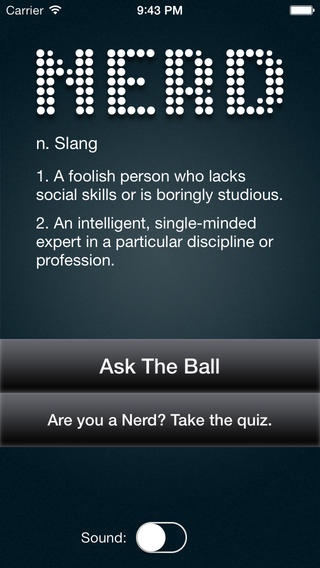
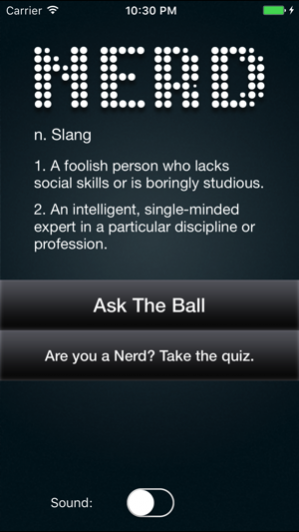
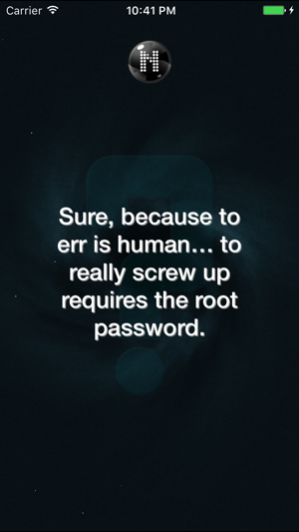
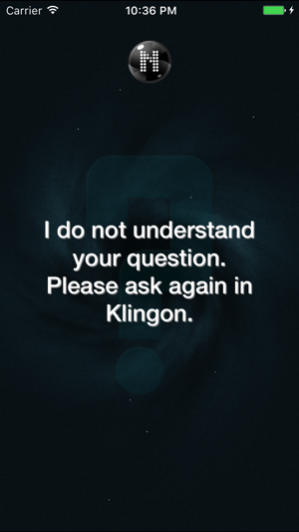
It’s 2 in the morning and, after a long day of coding and a Star Trek marathon, you find yourself pondering some really important issues. Should you grab a snack before you go to bed? Will your favorite barista be working tomorrow? You look for your BFFs, but no one is online. What do you do now?
Play NerdBall! That’s what!
A little bit like a Magic 8-ball and a lot like your snarky friend Seth, NerdBall has answers for any questions you have. There’s no guarantee that the answer has anything to do with your question, but, hey, at least you know it cares. And, more importantly, it’s keeping you entertained!
Where do you begin?... Ask Me. Shake Me. It’s that simple! … but please don’t shake me too hard! My vertigo might start acting up. With just a shake, I will ponder your question with all of the care and attention I’d give to Carl Sagan, if he were sipping an Americano at table next to mine. Don’t count on my response changing your life, but it might make you think.
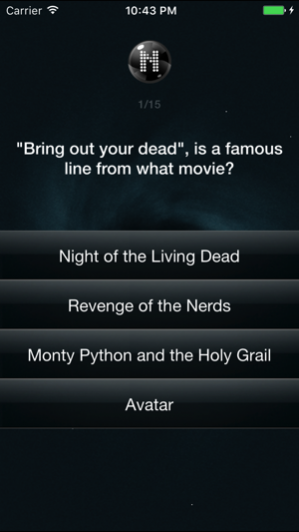
And, if you run out of questions to ask me, you can test your knowledge with the NerdBall quiz!
So, come on! Give NerdBall a try! 4 out of 5 users surveyed find NerdBall to be 12.53 minutes of pure entertainment. Not to mention that it’s free. What have you got to lose?!
Feb 24, 2017 Version 1.1
Update for support with the latest iOS versions, bug fixes and stability improvements
About Nerd Ball
The company that develops Nerd Ball is Daniel Zimmerman. The latest version released by its developer is 1.1.
To install Nerd Ball on your iOS device, just click the green Continue To App button above to start the installation process. The app is listed on our website since 2017-02-24 and was downloaded 0 times. We have already checked if the download link is safe, however for your own protection we recommend that you scan the downloaded app with your antivirus. Your antivirus may detect the Nerd Ball as malware if the download link is broken.
How to install Nerd Ball on your iOS device:
- Click on the Continue To App button on our website. This will redirect you to the App Store.
- Once the Nerd Ball is shown in the iTunes listing of your iOS device, you can start its download and installation. Tap on the GET button to the right of the app to start downloading it.
- If you are not logged-in the iOS appstore app, you'll be prompted for your your Apple ID and/or password.
- After Nerd Ball is downloaded, you'll see an INSTALL button to the right. Tap on it to start the actual installation of the iOS app.
- Once installation is finished you can tap on the OPEN button to start it. Its icon will also be added to your device home screen.
Program Details
System requirements
Download information
Pricing
Version History
version 1.1
posted on 2017-02-24
Feb 24, 2017 Version 1.1
Update for support with the latest iOS versions, bug fixes and stability improvements
version 1.0
posted on 2013-11-07
Disclaimer
Official App Store Link
We do not host Nerd Ball on our servers. We did not scan it for viruses, adware, spyware or other type of malware. This app is hosted by Apple and passed their terms and conditions to be listed there. We recommend caution when installing it.
The App Store link for Nerd Ball is provided to you by apps112.com without any warranties, representations or guarantees of any kind, so access it at your own risk.
If you have questions regarding this particular app contact the publisher directly. For questions about the functionalities of apps112.com contact us.
